Change the number of colors
Every color in the chart is one yarn. Fewer yarns make a simpler chart with fewer yarn changes. You can change the number of yarns at any time while you edit a color chart.
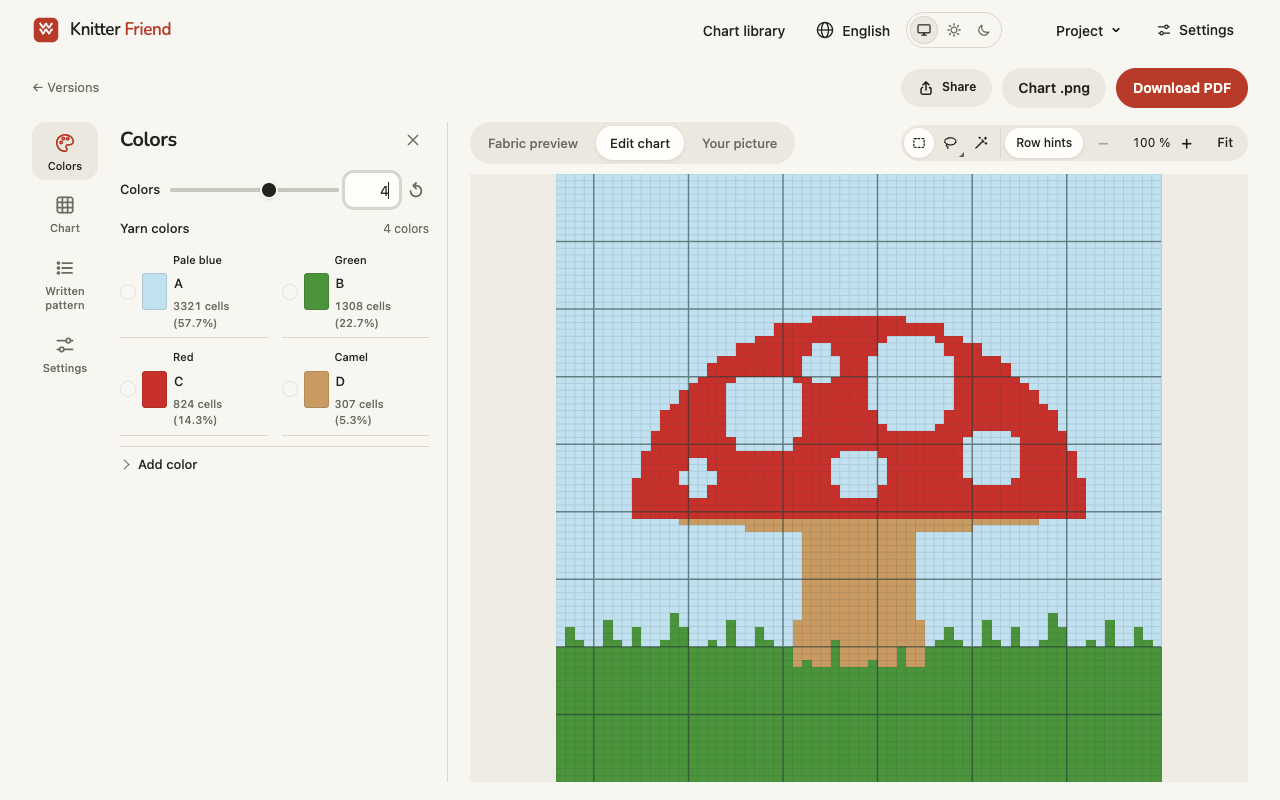
Set the number
With fewer colors, the most similar shades merge into one yarn, whose color lies between them. The highest number is the number of colors found in your picture or chart, within a limit.
- Open Colors in the sidebar.
- Drag the Colors slider, or type a number in the field beside it.
- When you stop, the chart is updated with the new number of yarns.
What stays and what is reset
- Stitches you gave a color keep it. If their yarn merges with another one, they take the merged yarn.
- Yarns you added keep their names. They can merge with a similar shade like any other yarn.
- The names you gave to the other yarns, and the shades you changed, are reset.
- Undo can no longer take back the colors you applied before.
Restore the colors found
The ↺ button beside the slider, Restore detected colors, brings back every color that was found in your picture or chart, together with the yarns you added. Yarns you removed stay removed.
Pictures and existing charts
For a picture, the colors found are a limited set of shades taken from the picture, and the version marked Default uses fewer of them. For an existing chart, the colors found are the chart’s own colors, and the version marked Detected uses all of them: see color versions.
A chart read as knitting symbols has no yarn colors, so the slider is not shown.