


























Turn a picture into a knitting pattern.
Upload a photo, drawing or chart. Choose your yarn colors, then get a stitch chart and row-by-row instructions.
Your picture stays on this device unless you remove its background or share a chart.
See your stitches before you knit.
Preview your motif in your yarn colors, stitch pattern and gauge.
Fabric preview →Reading your picture…
Your image
Chart library
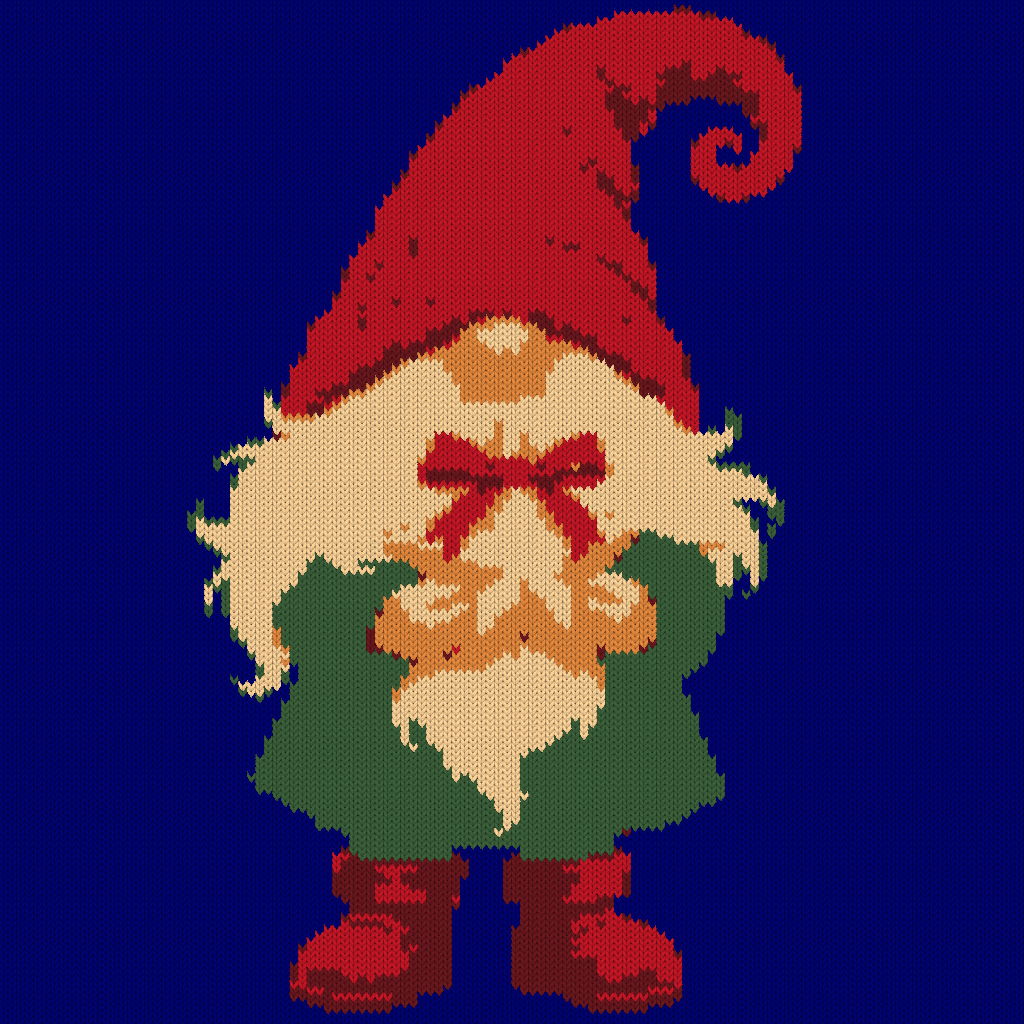
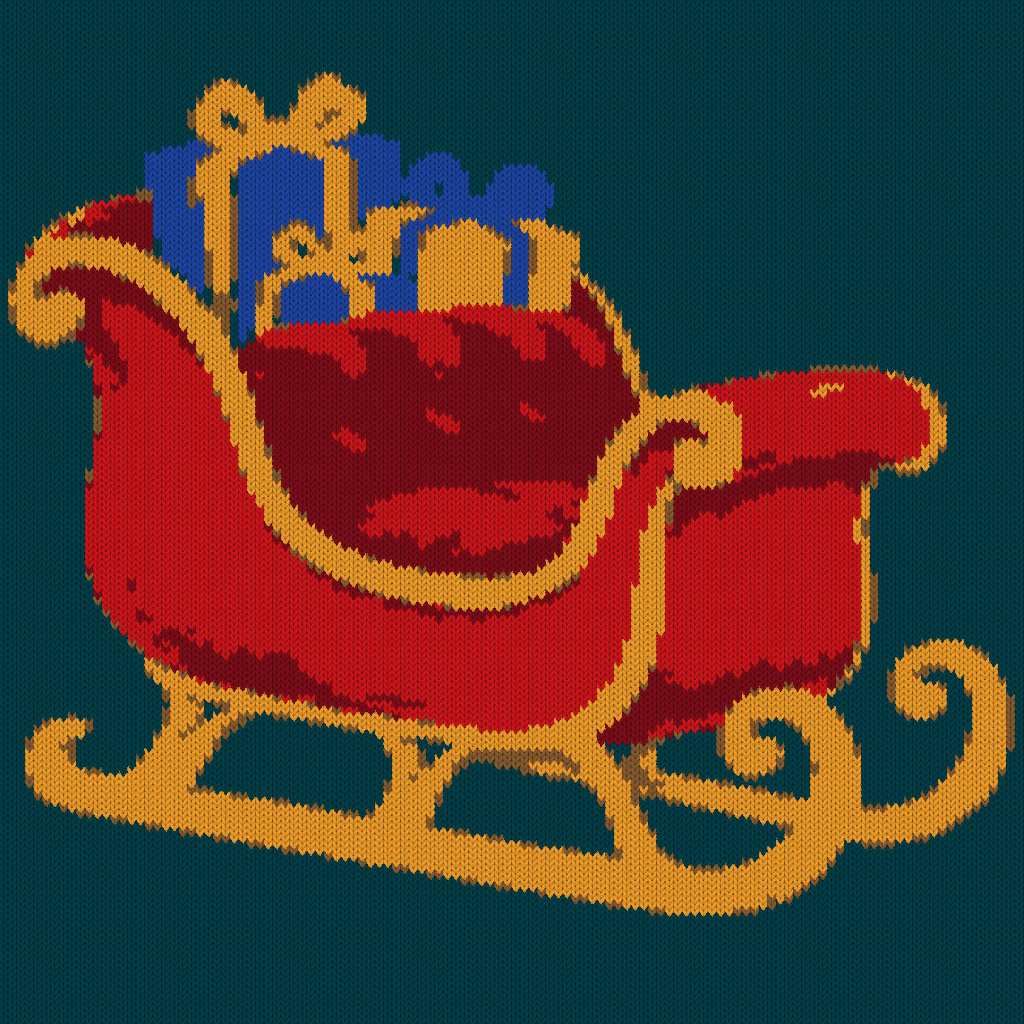
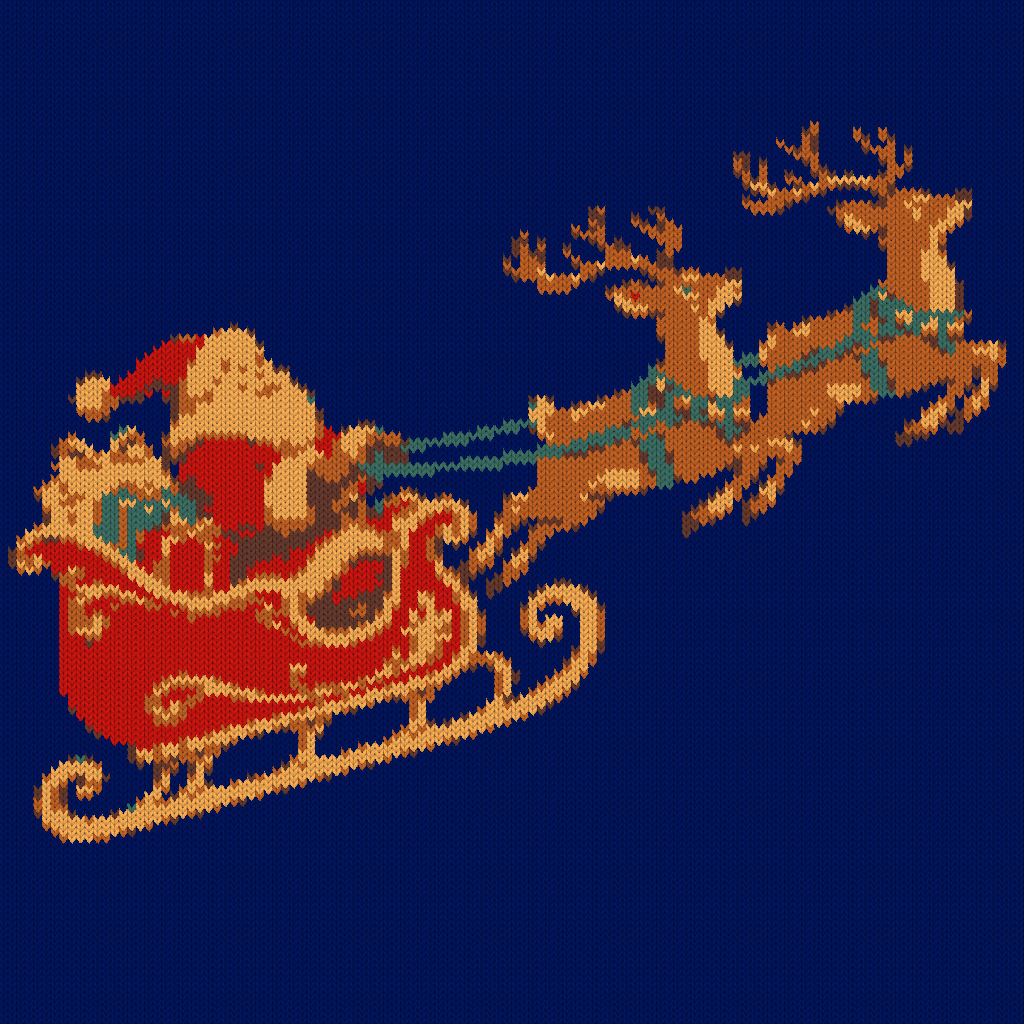
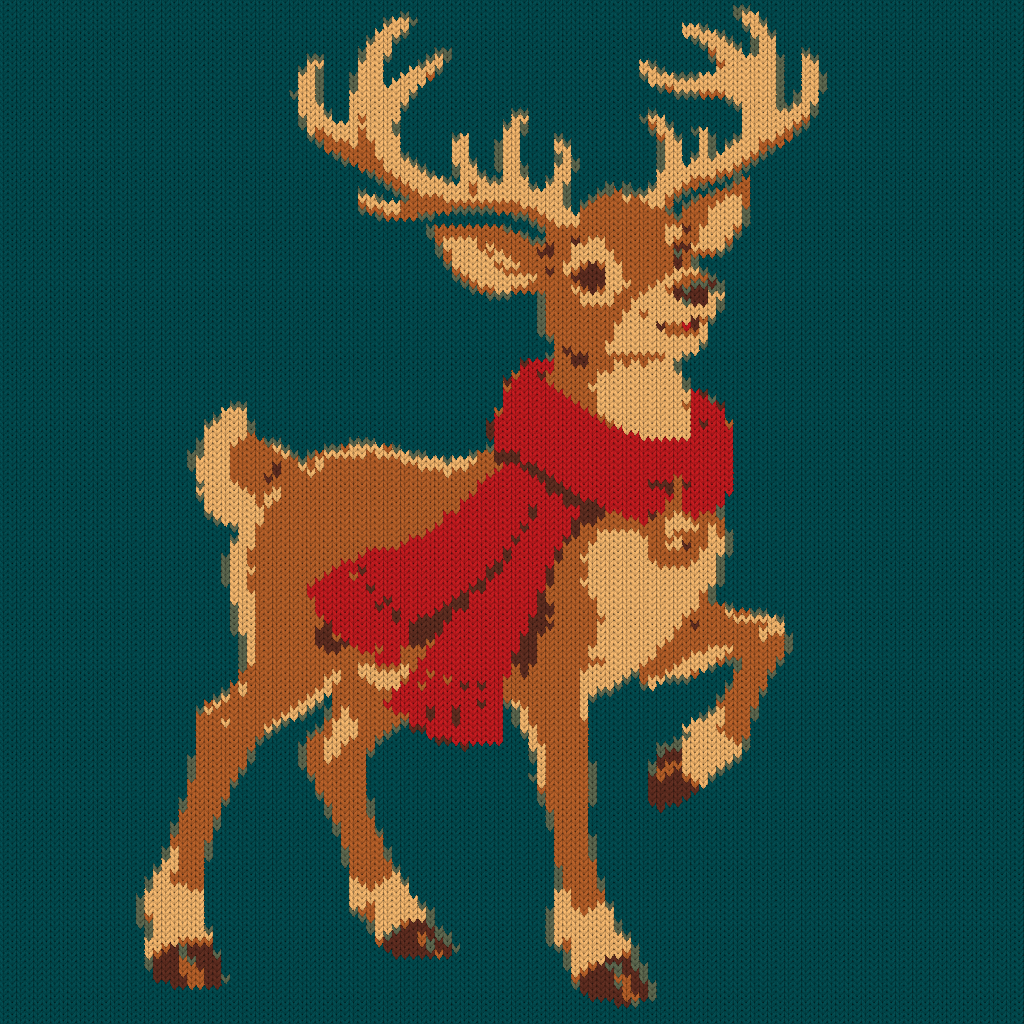
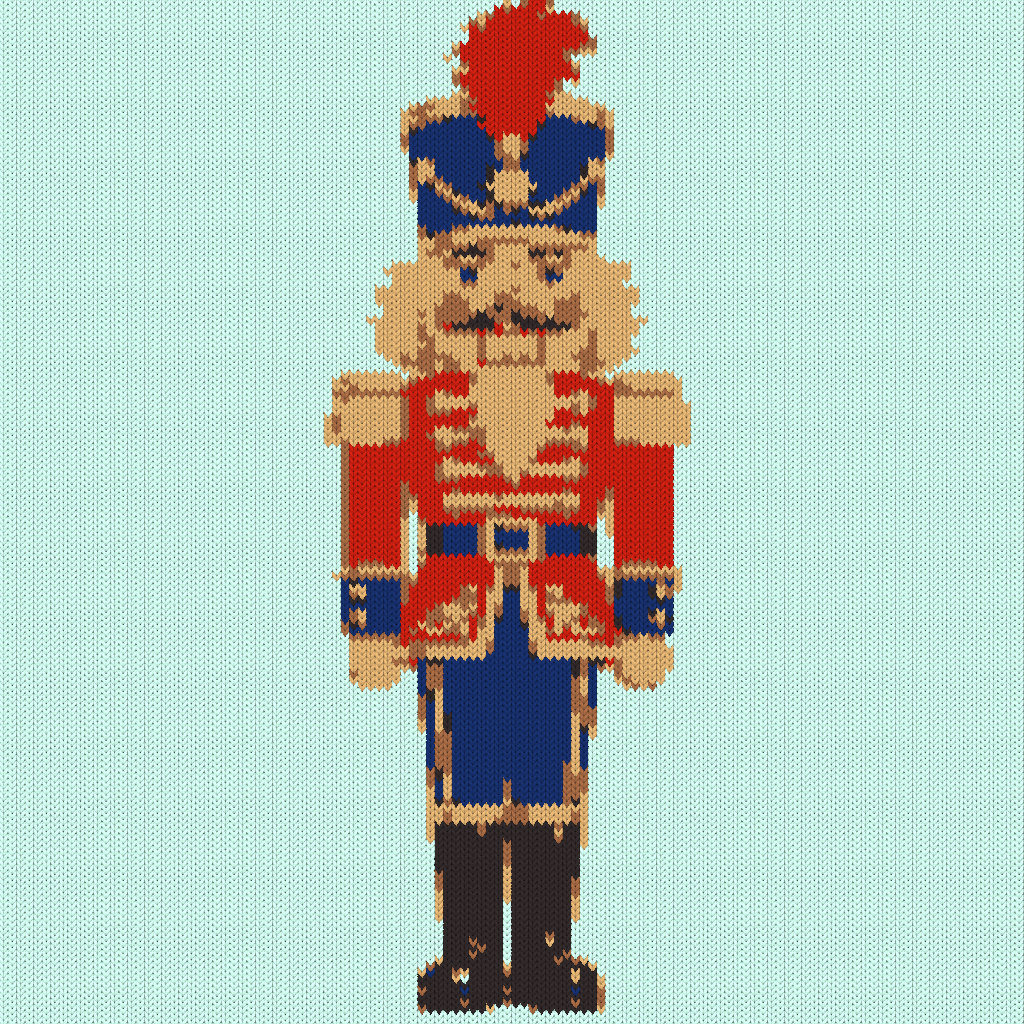
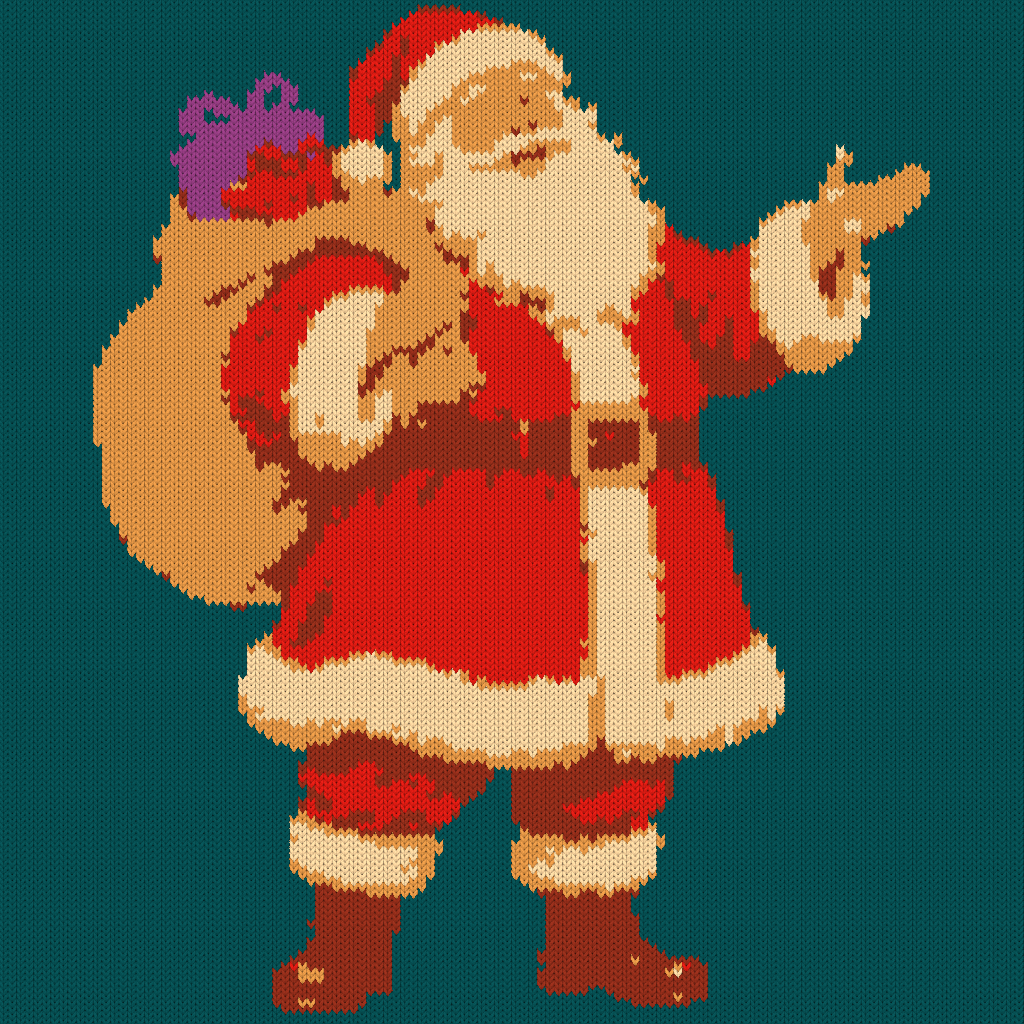
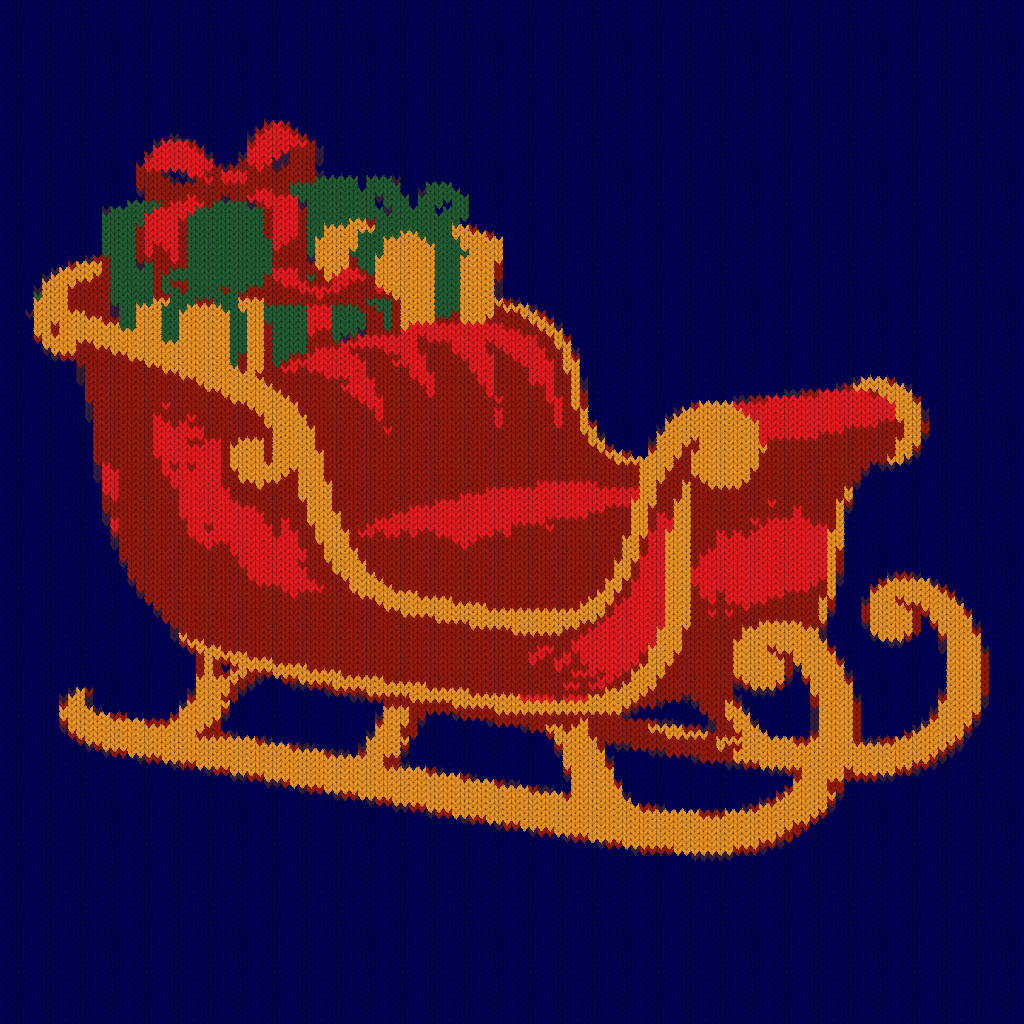
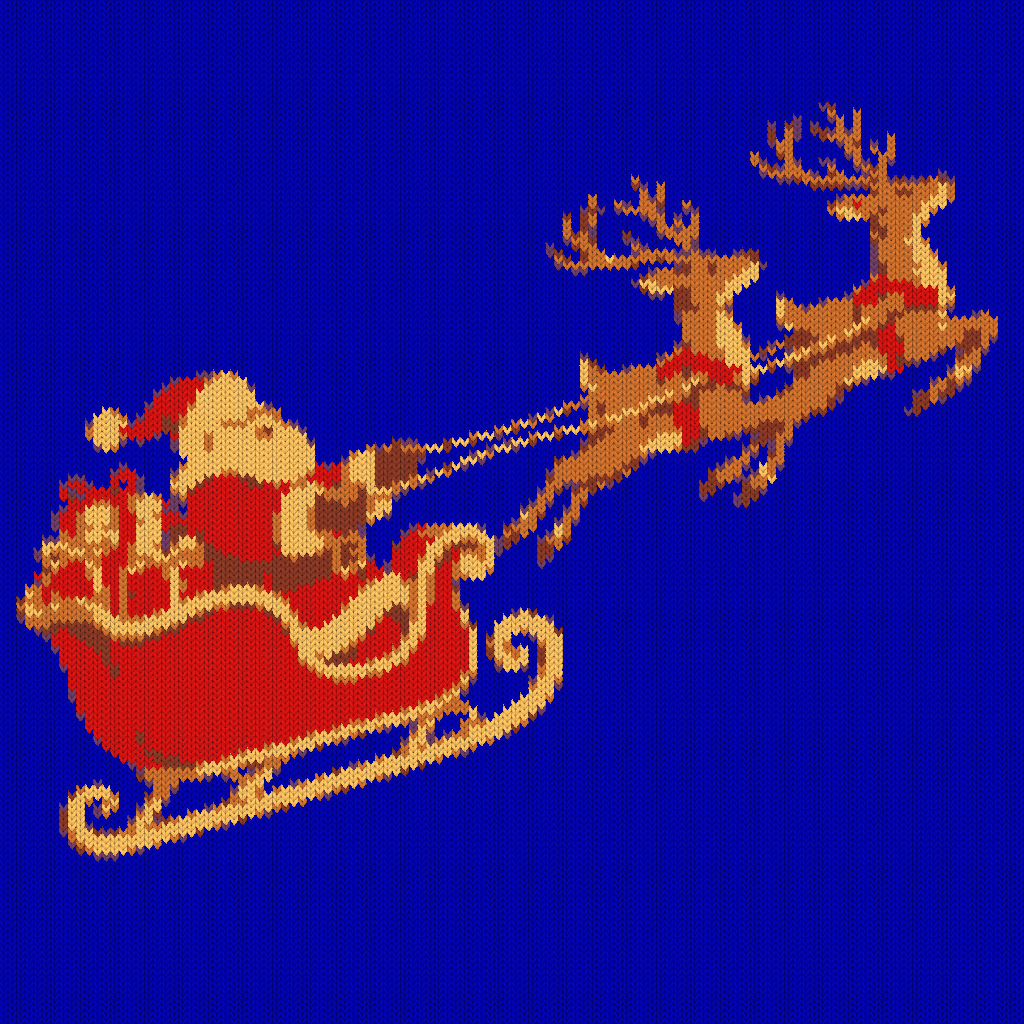
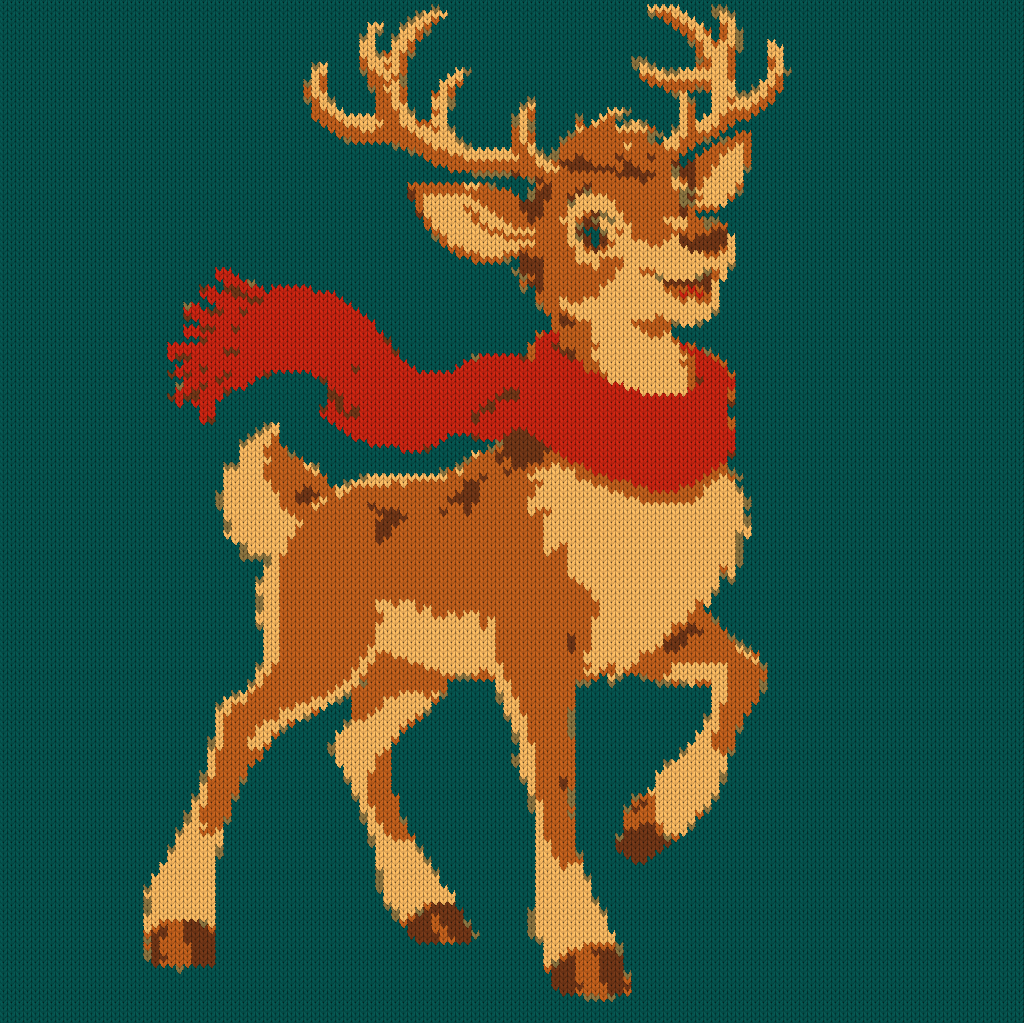
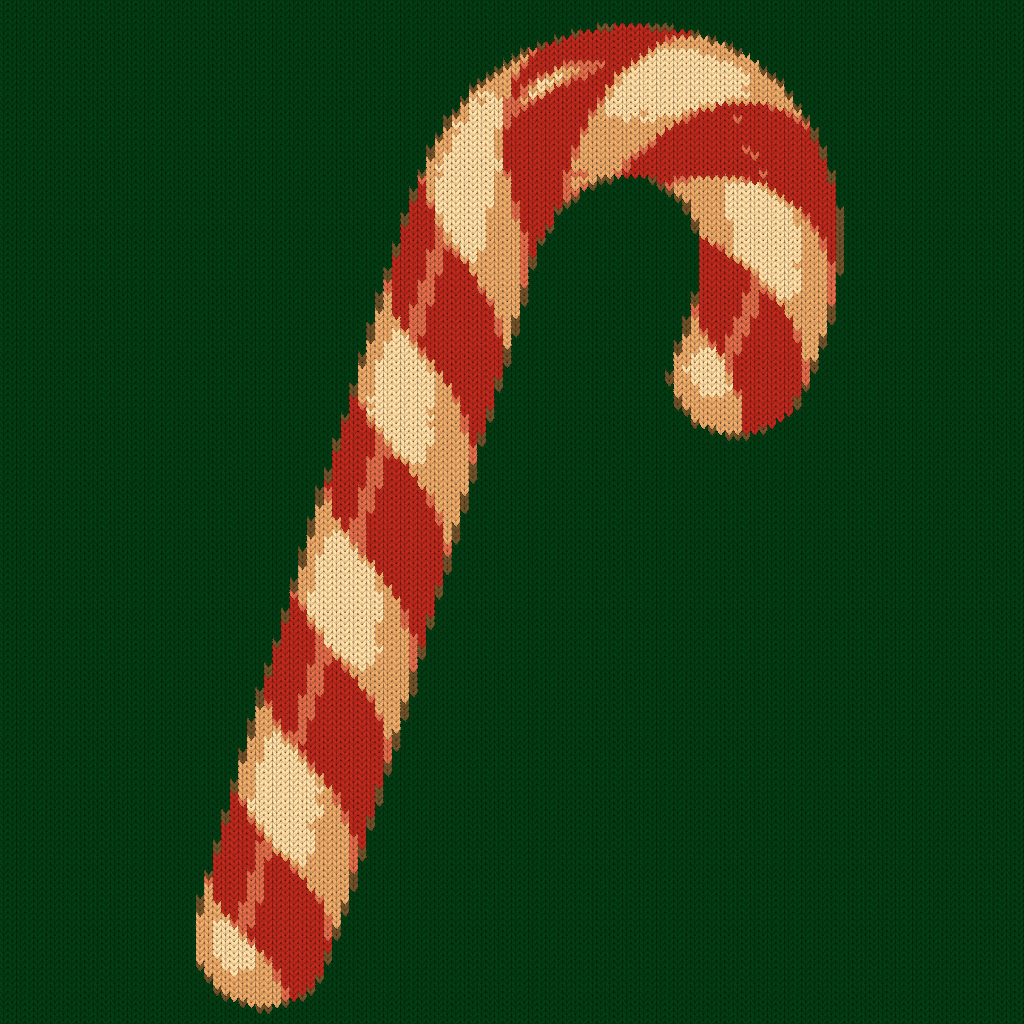
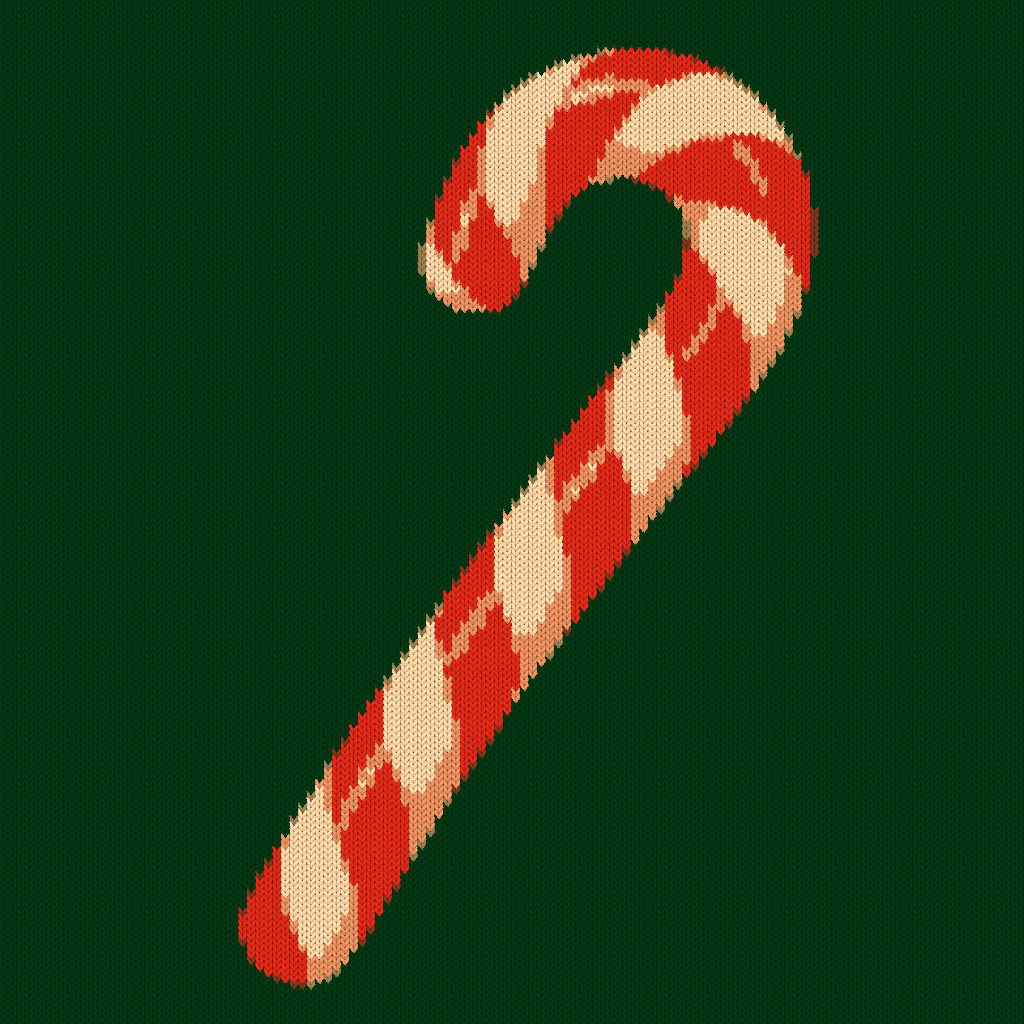
Free colorwork charts made with Knitter Friend, each with its yarn colors, knitted size and row-by-row instructions.
See all charts →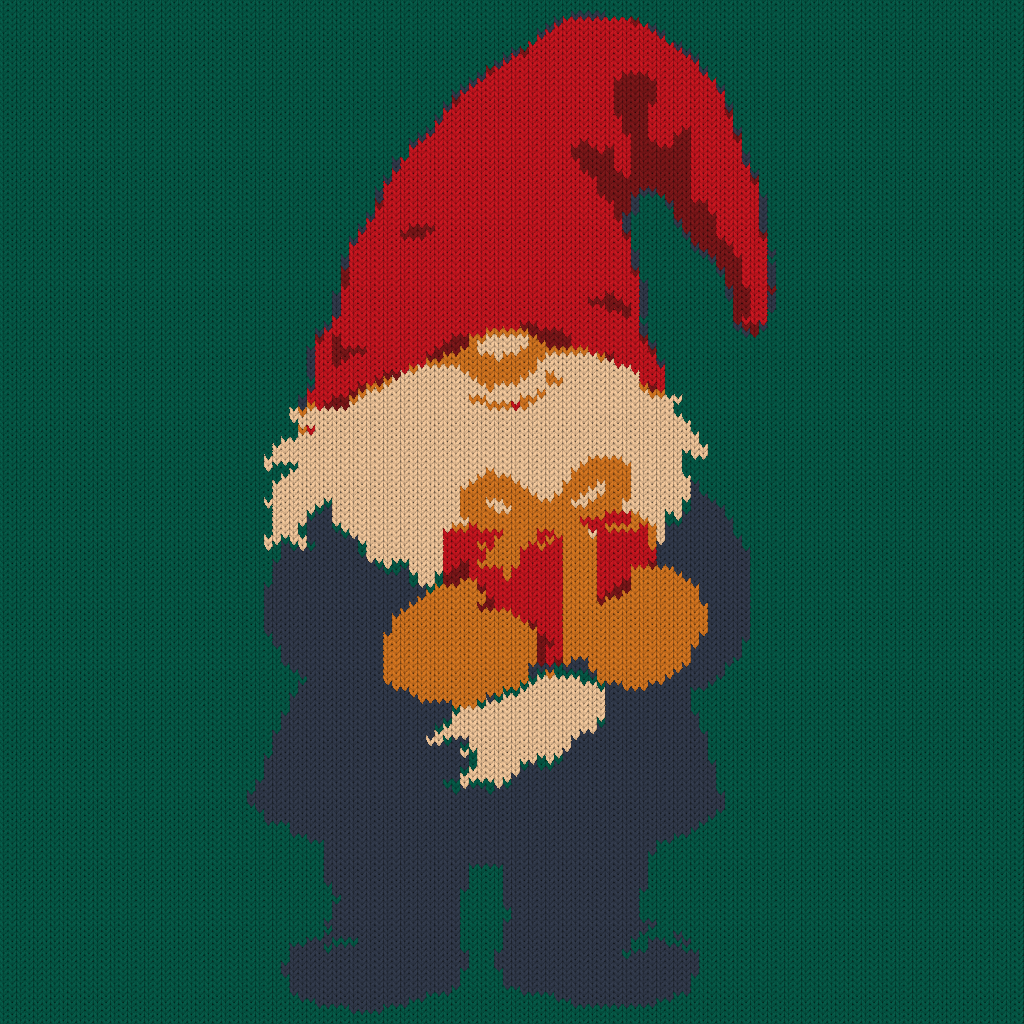
Convert a knitting chart to written instructions
- 1
Add a picture
Open a chart image or choose the page containing the chart in a PDF. Crop to the grid.
- 2
Choose your colors
Pick a color version, set how many yarn colors to use, and fix any stitch with a click.
- Row 1 (RS) k5 A, k1 B, k5 A.
- Row 2 (WS) p4 A, p3 B, p4 A.
- Row 3 (RS) k3 A, k5 B, k3 A.
3Knit from the pattern
Download a printable PDF with the chart, yarn colors and row-by-row instructions.
Tips for a chart that knits up well
- Start simple. Bold shapes with clear edges convert better than detailed photos.
- Use few colors. Two to six yarns keep the knitting manageable. Use the Colors slider to merge similar shades.
- Crop tightly. Drag on your picture to keep only the motif; the chart rebuilds for that area.
- Enter your gauge. Knit a swatch, count the stitches and rows per 10 cm and enter them beside the chart. The chart keeps the shape of your picture and shows the finished size.
Questions
How do I turn a picture into a knitting chart?
Open the picture above, choose one of the color versions, and the chart is ready. Adjust the number of colors, the crop and the cell size until it looks right, then switch to Written pattern for row-by-row instructions.
Can I convert an existing chart, or a chart from a PDF pattern?
Yes. Open the chart image, or the PDF and the page with the chart, and crop to the chart area. The grid is found automatically and every stitch is read. Symbol charts work for single-stitch symbols: you say what each symbol means. Cables and other symbols spanning several stitches are not supported yet. Each square becomes one stitch, so a chart drawn on square cells knits up shorter than it looks; choose Process as image to keep its shape.
Can I knit it flat or in the round?
Both. Instructions start with flat knitting in stockinette, reading right-side rows from right to left and wrong-side rows from left to right. Switch Construction to "in the round" and every round is read from right to left.
How big will it be when knitted?
The Chart section shows the finished size in centimeters. It comes from the gauge for your stitch pattern: stitches and rows per 10 cm (4 inches). The starting gauges are estimates, so knit a swatch in your yarn and enter your own. A stitch is wider than it is tall, by an amount that depends on the stitch pattern, so the chart is drawn as it will knit up, and Fabric preview shows the knitted fabric.
Can I print the pattern?
Yes. Download a PDF with the yarn colors, the chart with numbered rows and stitches, and every row written out. The chart alone is also available as an image.
Which files can I use?
PNG, JPEG and WebP images, and PDF pattern pages. Simple pictures with clear shapes and a few strong colors give the best charts.