Choose the pattern language
The written pattern has its own language, separate from the language of the app. You can use Knitter Friend in your own language and still write the pattern in English, or the other way round.
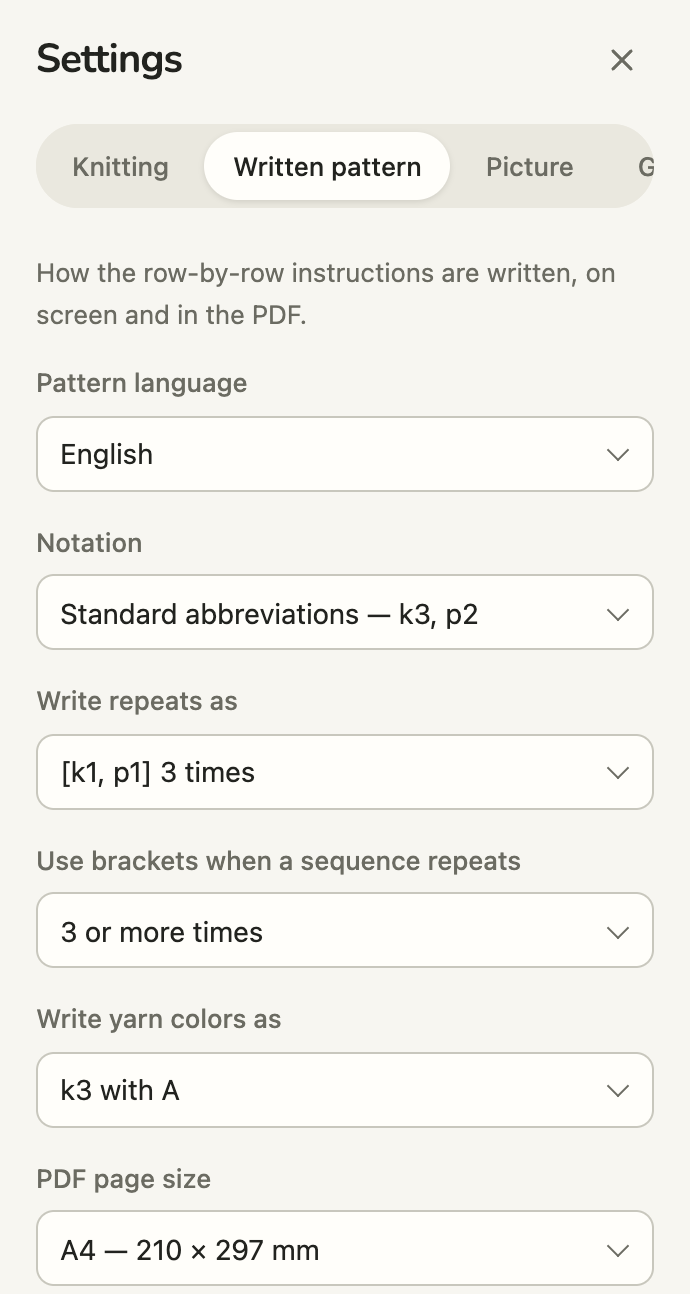
English unless you choose another
The pattern is written in English unless you choose another language, whatever language the app is in, because English abbreviations are the ones most knitters can read. To write it in another language, open Settings › Written pattern and choose it in Pattern language.
The pattern language is saved with your project. Changing the language of the app does not change it.
Find a language in the menu
The menu lists the languages as the language menu at the top of the page does: in alphabetical order of their names in the language of the app. Each language shows its own name and, when it is different, its name in the language of the app.
What the pattern language changes
Everything you knit from is written in the pattern language: the row labels, the stitches and their abbreviations, the repeats and the words for the yarn colors. The examples in the other menus of Written pattern change with it. In a language written from right to left, the rows read from right to left too.
The yarns keep their letters, A, B, C and so on, in every language.
What stays in the language of the app
The headings and notes around the rows, in the copied text and in the PDF, are in the language of the app.
The abbreviation key lists each abbreviation as the pattern writes it, and explains it in the language of the app. For example, if you use the app in German and write the pattern in English, the key explains k, p and RS in German.
When you enter the meaning of a symbol, you can also type the stitch in the language of the app. A stitch you type that way is recognized and written in the pattern language.