General settings
The General tab in Settings holds two choices that belong to your browser rather than to a project: the language Knitter Friend is shown in, and its appearance. Both are remembered in this browser.
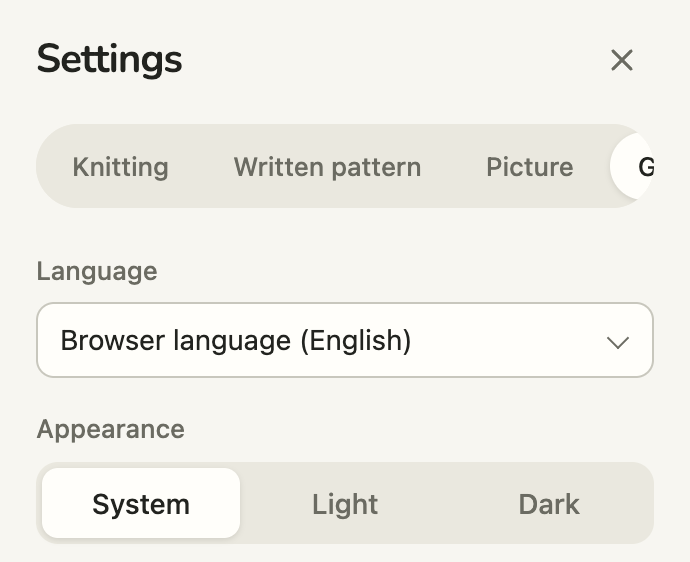
Language
Language sets the language of the interface. The first choice follows your browser's language and names it. The other choices list each language by its own name and by its name in the current language.
The page changes language as soon as you choose. To follow your browser again, choose the first entry.
Language and the written pattern
The written pattern has its own Pattern language, in the Written pattern tab, so changing the interface language does not rewrite your rows. The key explains each abbreviation in the interface language. See the pattern language.
Appearance
Appearance has three choices:
- System: follows the light or dark setting of your device, and changes when it does.
- Light: always light.
- Dark: always dark.
The same choices in the header
The header has the same two controls: the language menu, which shows the current language and lets you search for another, and the appearance switch. Before a chart is open, Settings is not available, so use the header. On a phone, the header switch shows only the current appearance; tap it to move to the next one.
On a phone, while a chart is open, the header hides both controls, so change them in Settings › General.