How your picture is read
A picture can be read in two ways. A photo or a drawing becomes a new chart, made from its colors. An existing knitting chart, with its grid of squares, is read square by square, so every stitch stays where the designer put it.
Automatic detection
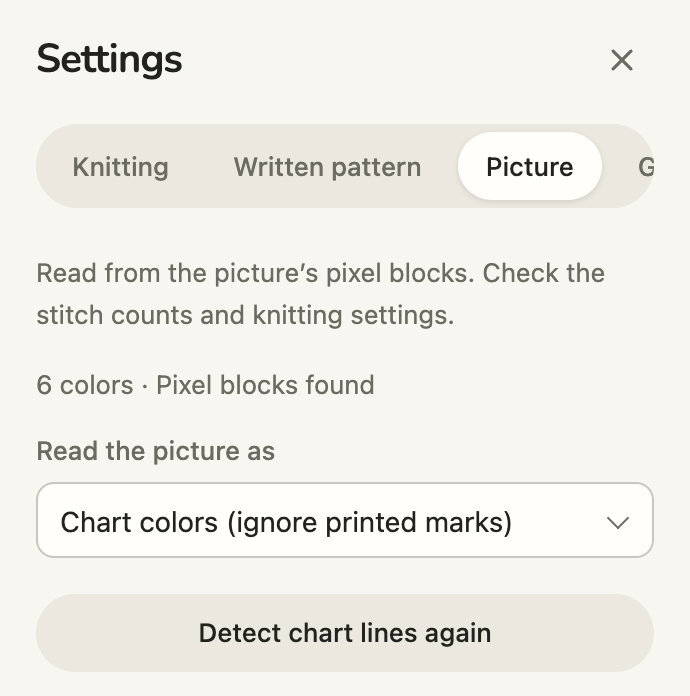
When you open a picture, Knitter Friend looks for the lines of a chart grid and, if there are none, for the even blocks of color of pixel art. If it finds grid lines, each square becomes one stitch. If it finds pixel art, each block becomes one stitch across and the rows follow your gauge, so the piece keeps the shape of the picture. If it finds neither, a new chart is made from the picture. Settings › Picture then says Chart lines found, Pixel blocks found or Made from picture.
A version made from a chart grid is marked Detected in the versions; for a picture, the suggested version is marked Default.
Choose how it is read
If the result is not what you meant, open Settings › Picture and change Read the picture as:
- Automatic — find chart lines or use the picture: the detection described above.
- An existing chart: read the grid as an existing chart, either a color chart or, when its squares hold knitting symbols, a symbol chart. See converting a knitting chart to written instructions.
- Chart colors (ignore printed marks): read only the color of each square, ignoring numbers and marks printed in it.
- A picture to turn into a chart: make a new chart from the picture, even if it contains a grid.
Detect the grid again
Detect chart lines again returns to automatic detection and looks for the grid again.
A chart drawn on squares
Each square of an existing chart becomes one stitch. A knitted stitch is wider than it is tall, so a chart drawn on squares knits up shorter than it looks. To keep the shape of the drawing instead of its stitch count, select Process as image in Chart: the chart is then rebuilt from your gauge like a picture. Pixel art read from its blocks is already fitted to your gauge. See why knitted colorwork looks squashed.