The stitch pattern
In a color chart, every stitch is worked in the same stitch pattern; only the yarn changes. The stitch pattern decides which stitches the written rows use and how the finished fabric looks.
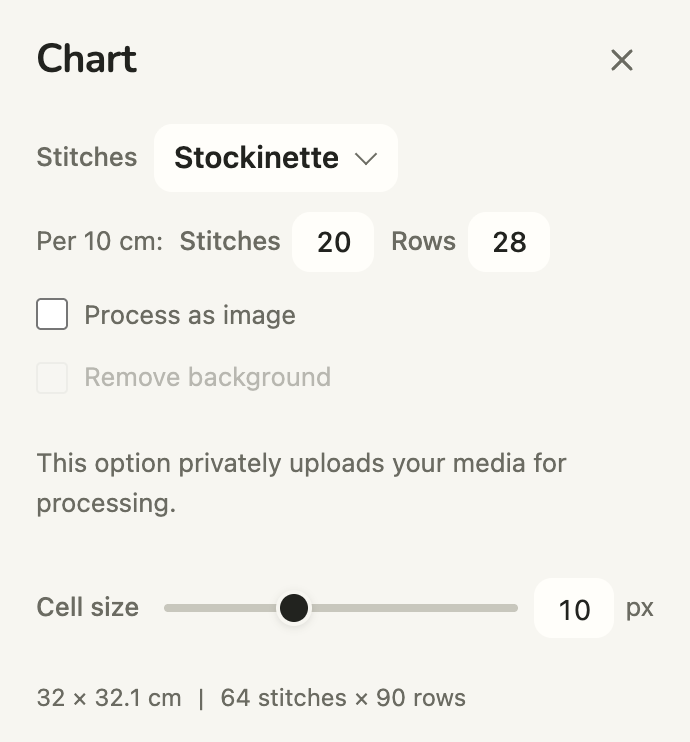
Choose the stitch pattern
Open Chart in the sidebar and choose the Stitches. The menu shows a small picture of each fabric. Every new picture starts with Stockinette.
This choice is only for color charts. In a symbol chart, each symbol has its own meaning, taken from your pattern’s legend.
How each one is written
- Stockinette: knit on right-side rows and purl on wrong-side rows. In the round, every round is knitted.
- Garter stitch: knit every row, on both sides. In the round, odd-numbered rounds are knitted and even-numbered rounds are purled, which makes the same ridges. The round numbers start at your First row number.
- Reverse stockinette: purl on right-side rows and knit on wrong-side rows. In the round, every round is purled.
- Other — enter the instructions: you enter the stitch yourself, as described below.
Enter your own stitches
With Other — enter the instructions, two fields appear. Front-side stitch is worked on right-side rows, and Back-side stitch on wrong-side rows. Each instruction is used for every stitch, in the yarn of that stitch.
In the round, every round is on the right side, so only Front-side stitch is used. The pattern is written once the stitches it needs are filled in.
With your own stitches, the gauge fields and Fabric preview are not available.
The stitch pattern changes the shape
Stockinette, garter stitch and reverse stockinette knit up with different gauges, so each one keeps its own gauge. For a chart made from a picture, changing the stitch pattern rebuilds the chart to keep the picture’s shape. The chart you had for each stitch pattern is kept, so switching back brings it back.
For an existing chart, the stitches stay the same, and the chart is drawn as it will knit up in the new stitch pattern. See gauge.
In the pattern
The PDF and the copied text name the stitch pattern next to the construction, so you can see at a glance how the chart is meant to be worked.