Fabric preview
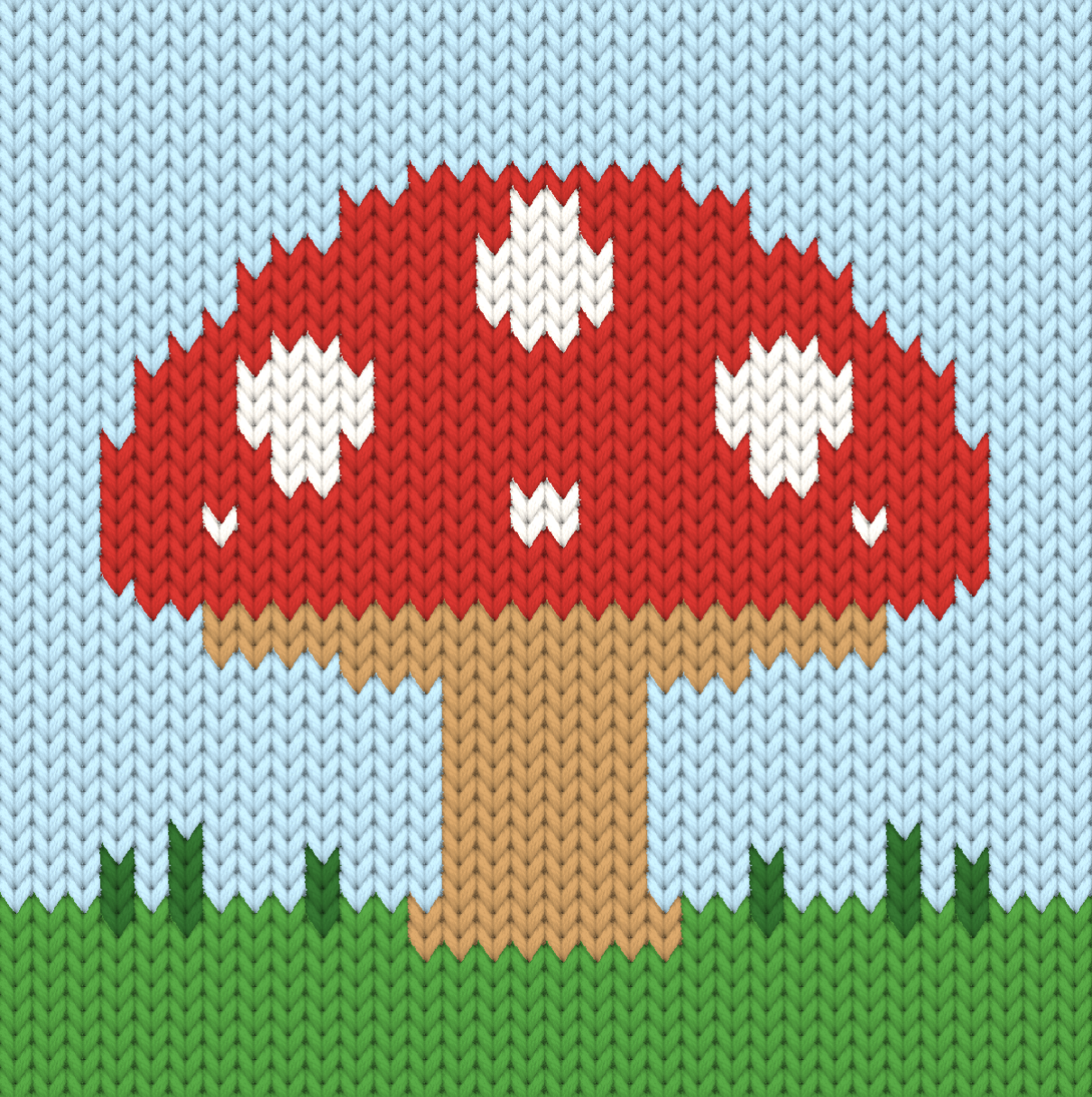
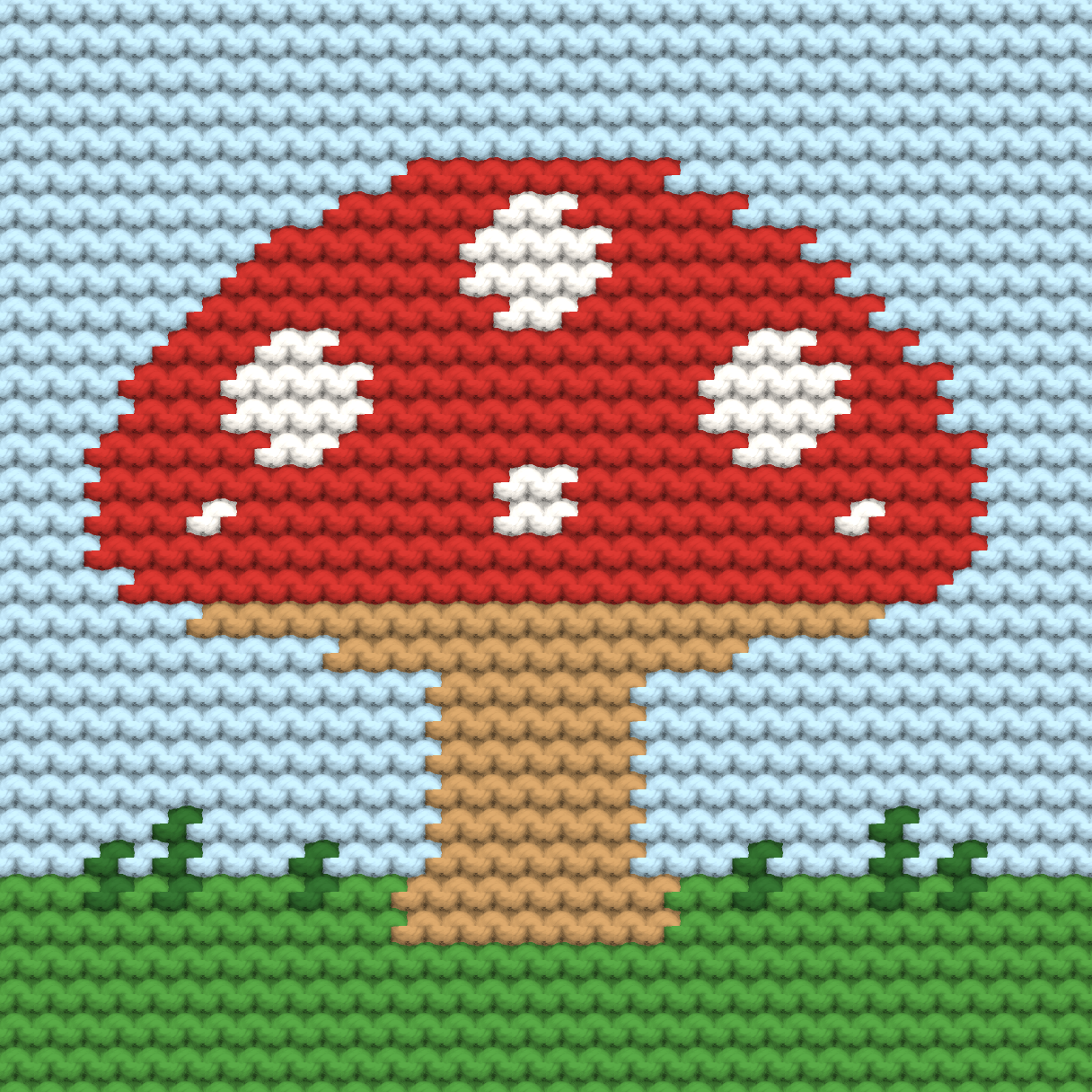
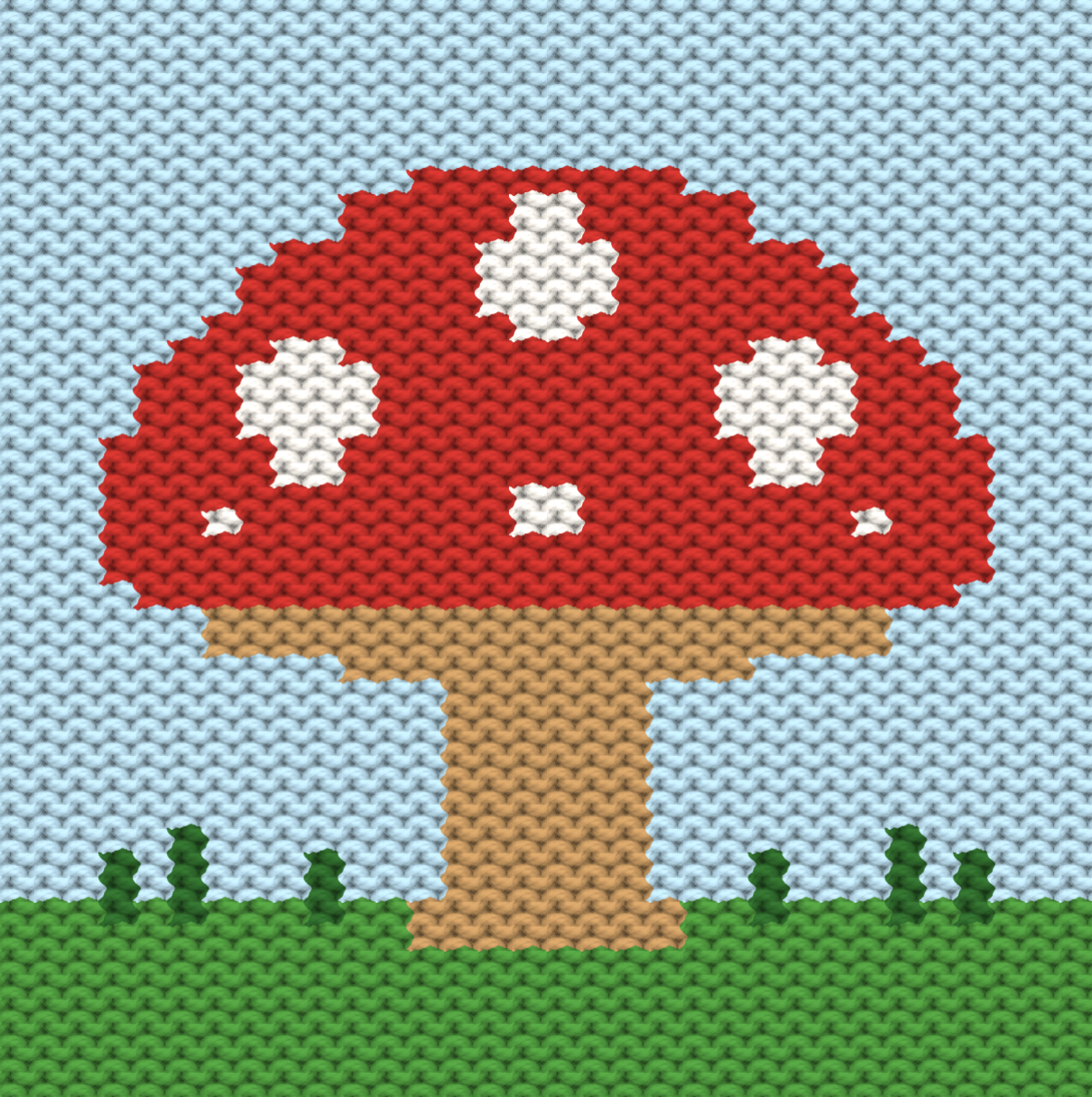
A chart shows each stitch as a flat square. Fabric preview draws the same chart as knitted fabric: every stitch in its yarn color, with the texture of your stitch pattern and the proportions of your gauge.
Open the preview
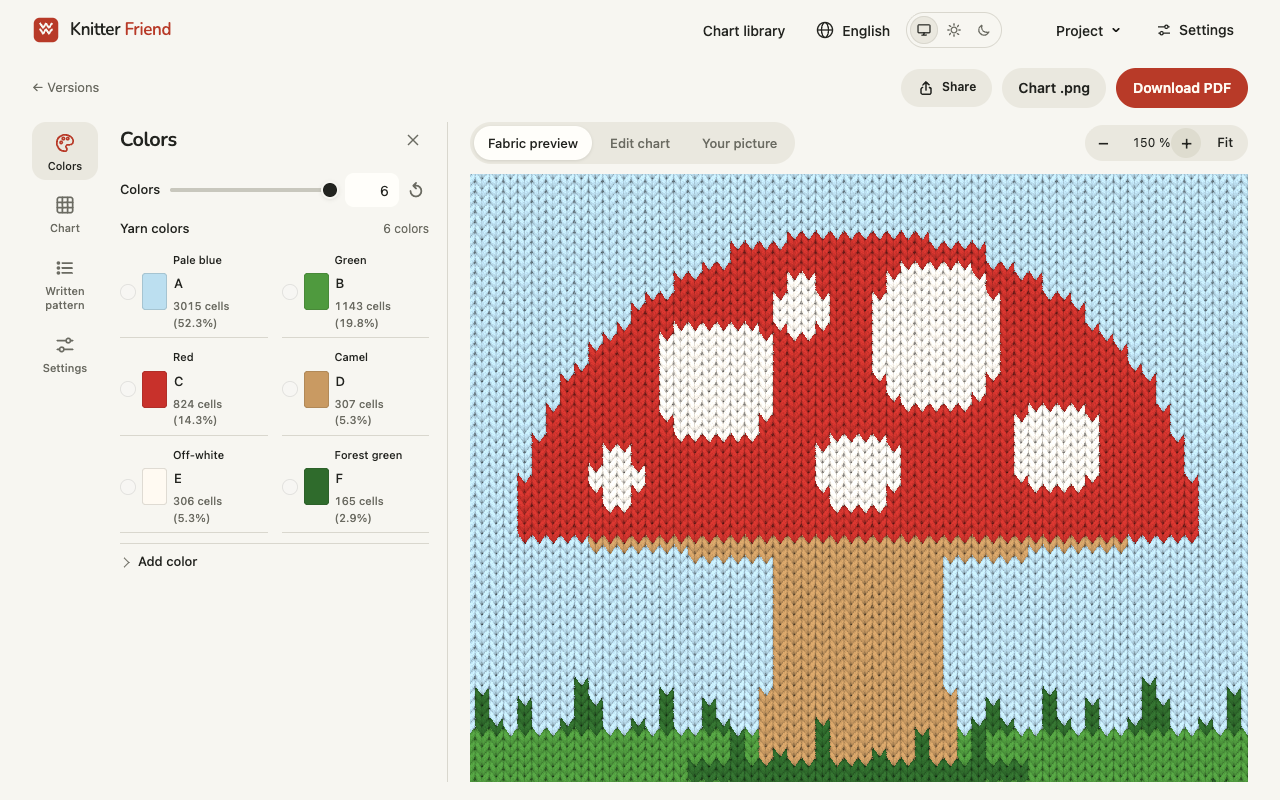
New color charts open in Fabric preview. The tabs above the chart are Fabric preview, Edit chart and Your picture. The preview is available for Stockinette, Garter stitch and Reverse stockinette; for a symbol chart, or with Other — enter the instructions, it cannot be selected.
What it shows
The preview follows your changes: when you recolor stitches, change the colors or enter another gauge, it is drawn again.
- The right side of the fabric, drawn from a sample of the stitch pattern: columns of V-shaped stitches in stockinette, ridges in garter stitch, small bumps in reverse stockinette.
- In garter stitch, each ridge is two rows of the chart.
- Every stitch in the color of its yarn, including the stitches you corrected.
- The width and height of the piece from your gauge, so it has the same proportions as the finished size in Chart.
Zoom and move around
Use the zoom buttons or enter a percentage to look at single stitches, and Fit to see the whole piece again. While it is zoomed in, drag the preview to move around it.
A preview, not a promise
The preview is a drawing made from your settings, not a photo of your knitting. Your yarn, your needles and how you knit change how the fabric looks, and its size depends on the gauge you entered. Knit a swatch and enter its gauge to make the preview closer to your fabric: see knitting a gauge swatch.